
People come to the website of a label, an artist or a venue to listen, to find out when it is, and to get their ticket. Most often it is a listener on their phone, who has just heard a track or passed a poster. Sometimes it is a booker, a journalist or a brand, looking for a bio, photos and a contact.
They all want the same thing: to find it in one gesture, without digging.
What the visitor comes looking for
- To listen to the latest release, on the platform they already use.
- The upcoming dates: the city, the venue, the day, and whether it is sold out.
- The link to the official box office, the organizer’s own.
- The catalog or the season: the artists, the records, the program.
- For professionals: a booking and press contact, a short bio, usable photos with their credits.
- Ways to follow: social networks, the newsletter.
The “Label” layout
This is the layout the studio offers labels, artists and venues: the catalog scrolls, and the tone does the rest. Here it is from top to bottom:
“Label” layoutBackground: Scroll-scrubbed videoTexture: DustTexture: Halation
 Minimal
 Hero · Spread out
 Overflow · Anchored left
 Video
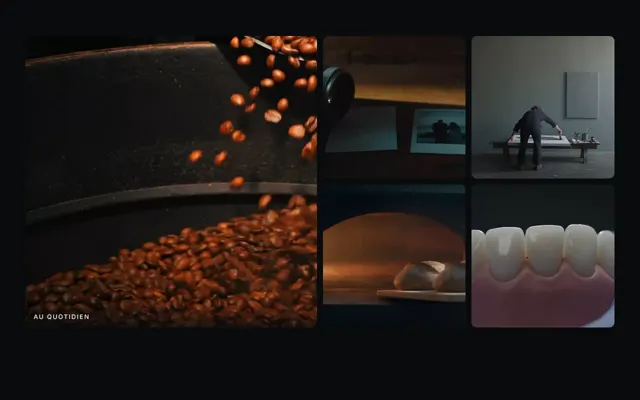 Gallery · Scrolling band
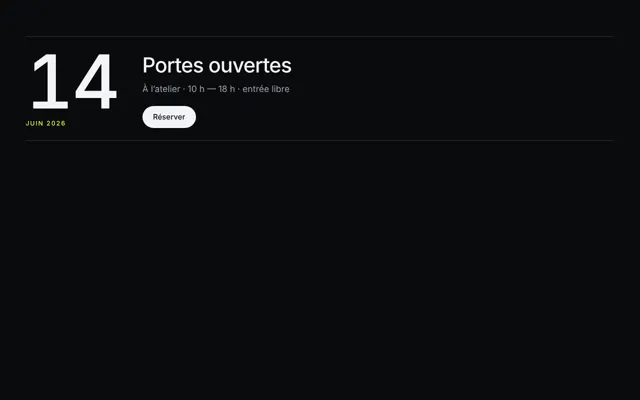 Event · Inline
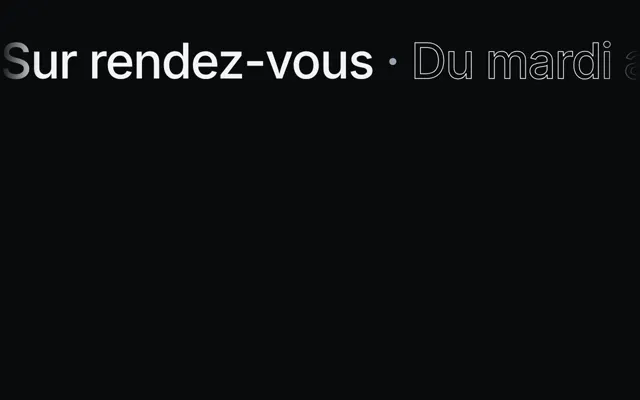 Banner
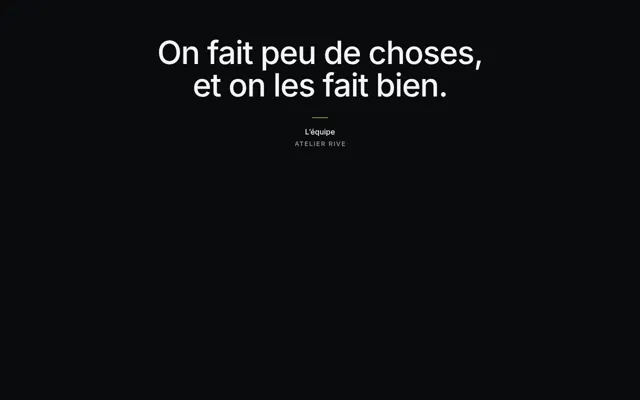 Quote
 Contact
 Footer · Giant signature
- The minimal navigation comes down to the name and a menu button: the page fits in a few sections, and the image comes first.
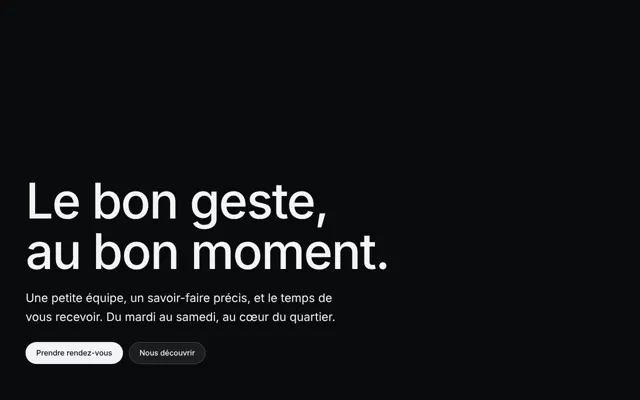
- The bottom-left hero sets the name and the current release, in the corner the video leaves free. Its button leads to a single place: listening, or the box office when a tour begins.
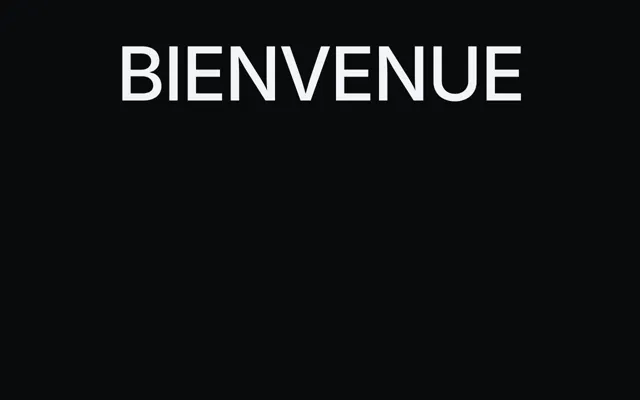
- The left-anchored overflow writes a giant title, cut off by the edge of the screen on one side only: the name of the album, the tour or the season.
- The scrolling strip gallery slides the covers, posters or artists of the catalog under a finger, when there are many.
- The banner scrolls a strip of words: the names of the artists, the cities of the tour. Don’t put the dates there: scrolling text reads poorly, and a date is written to be read again.
- The quote sets a sentence and its attribution: a review, an artist’s words.
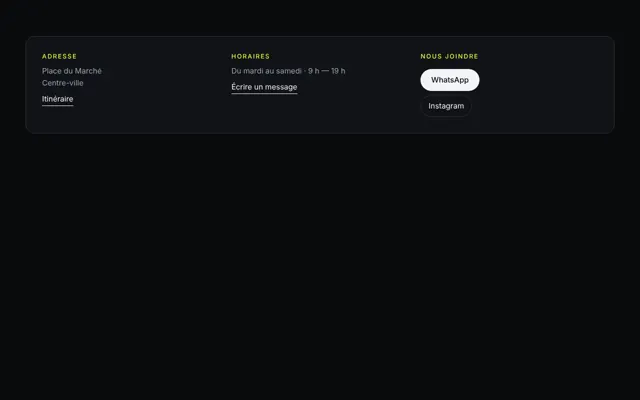
- The contact brings together booking, press and the venue’s address, as real links.
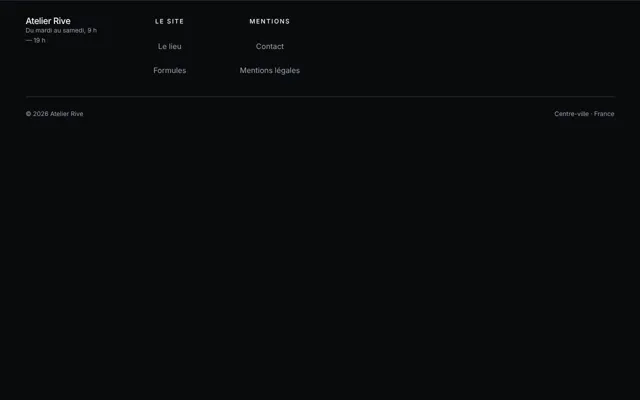
- The giant signature footer ends on the label’s name, cut off by the bottom of the page.
The background of this layout is the scroll-scrubbed video: the frames of the film move forward and back with scrolling, like a record held back by hand. If the visitor has asked for less animation, the film fades out and its poster stays. This film is a scene created by a video generation model from your description, and it is silent: the background video is re-encoded without a sound track. Two textures sit on it: dust, the fine scratches and light specks of a print that has lived, and halation, the glow spilling from the spotlights as on film stock.
Platform players
Platforms provide embed code. Spotify, for example, offers players for an album, a playlist or a podcast episode, whose height, width and color you set; using them means accepting its developer terms. One player is enough, two at most: five platforms stacked weigh the page down and scatter the listener.
These players come from another site and can set trackers. The CNIL, the French data protection authority, requires consent to be collected before embedded external content activates trackers that need it, in the cookie banner or when the content is activated (2026).
The pages built by the studio don’t embed these players: the hero button leads to your Spotify, Deezer, Bandcamp or YouTube page, at the address you give.
What the rules say: music played on the site
Playing a track from your own site means communicating it to the public. The French Intellectual Property Code places communicating a work to the public, by whatever process, within the author’s performance right (article L122-2), and any performance made without their consent is unlawful (article L122-4). A recording brings together three rights holders:
- the authors, the composers and their publishers: when they are members, the Sacem collects their rights when their music is played in public, in a shop for example (Service-public.gouv.fr, 2025);
- the producer of the recording, whose authorization is required before any communication of their phonogram to the public (article L213-1): for a label, that is often you;
- the performers, whose written authorization is required for the communication of their performance to the public (article L212-3).
Owning your recordings therefore doesn’t give you every right. Check that your artist contracts cover listening on your site, and ask the Sacem before putting a track up for listening if its authors are members.
And never start the music automatically. Chrome only allows autoplay with sound in certain cases, for example after the visitor has interacted with the site. Accessibility rules require that a sound playing on its own for more than three seconds can be paused or adjusted separately from the overall volume, because it drowns out the voice of screen readers (WCAG, criterion 1.4.2).
Dates and the box office
For a single date, a festival or a night, see an event’s website. For a tour, keep your dates in a single place, the one you update without thinking: the box office or the venue’s calendar. The site points to it, and removes past dates.
The DGCCRF advises buyers to check whether the organizer has its own sales channel or recommends an official resale site, and notes that some organizers name their partners on their site (2026). Do it: a link to the official box office, and to the official ticket exchange if there is one. Habitual resale of tickets without the organizer’s authorization is forbidden, it points out, under penalty of a criminal fine.
The studio sells no tickets and collects nothing: the button leads to your box office.
The mistakes that cost listeners
- Music that starts on its own, in an office or on public transport.
- Past dates at the top, or a tour announced without a link to tickets.
- A link to an unauthorized reseller, or a dead link once the date is sold out: write “sold out”.
- Five stacked players, which load before anyone even listens.
- No booking or press contact, or an address that doesn’t answer.
- Press photos without credit: the photographer has a right to their name.
Sources
- WIPO (WIPO Lex), French Intellectual Property Code, consolidated version of March 13, 2025
- Entreprendre.service-public.gouv.fr, Playing music in a shop (Sacem) (2025)
- Spotify for Developers, Embeds
- CNIL, Cookies and other trackers: questions and answers (2026)
- Chrome for Developers, Autoplay policy in Chrome
- W3C, WCAG 2.2, success criterion 1.4.2 “Audio Control”
- DGCCRF, Resale of tickets for shows or sports competitions (2026)