
A shop’s customer arrives on its website with a concrete question. Is the item on the shelf? How much does it cost? Is it open now? Can it be put aside before I come by? They are often in the street, a few steps away, or at home comparing, and they decide in a few seconds whether to make the trip.
A shop’s page presents the store and what you find there, and it says when to come. To buy, it sends people to the counter, or to the sales tool you already have.
What the customer comes looking for
- The products, in faithful photos: the brands, the ranges, the new arrivals, the window.
- The prices, at least some markers: a price on display saves a call, or a wasted trip.
- The hours, with closing days and special holiday hours.
- How to reserve or pick up: in-store pickup if you already offer it, a number to put an item aside.
- The address and access: the map, parking, the bus stop.
- Reviews from other customers.
The “Shop” layout
This is the layout the studio offers retailers: the products first, the brand next. Here it is from top to bottom:
“Shop” layoutBackground: Scrolling bandTexture: Grain
 Full bar
 Hero · Centered
 Split
 Products
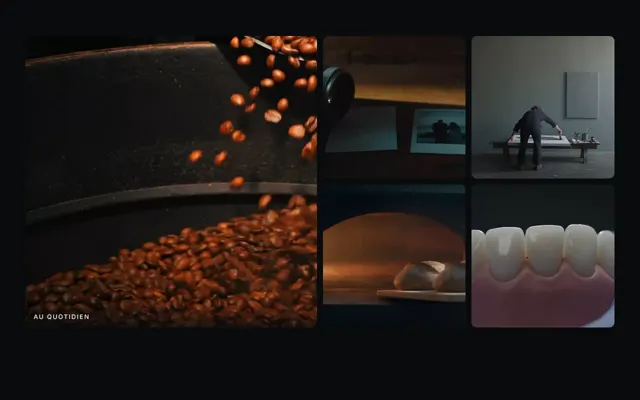 Gallery
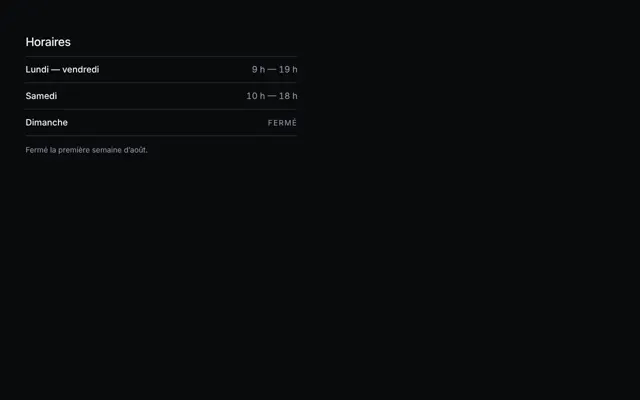 Opening hours
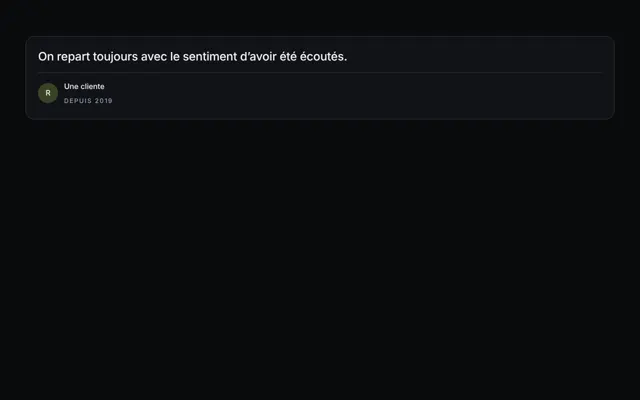 Testimonials
 Call to action
 Contact
 Footer
- The full bar has an opaque background: your name and your main button read from the first image.
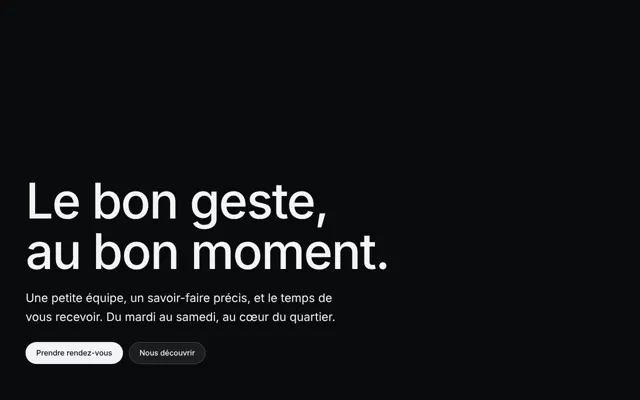
- The centered hero sets your name, a sentence about what you sell, and a button. It is the steadiest variant, and the most common.
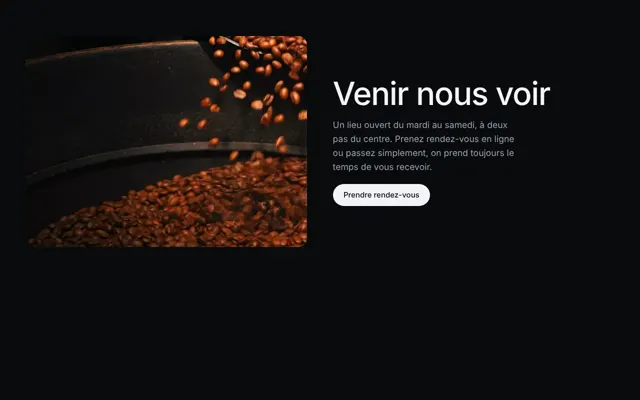
- The split puts a photo on one side and text on the other: the store, your selection, the brands you champion.
- The gallery lines images up in a grid: the shelves, the flagship products, the current window.
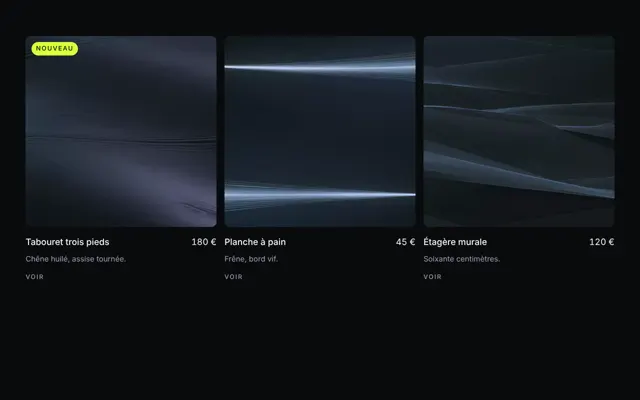
- The prices present prices that can be compared, in equal columns, with what is included and an action. For a florist, three bouquet sizes; for a haberdashery, its workshops; for a bookshop, its gift cards.
- The testimonials bring together several reviews: a single one would read as the seller’s own claim.
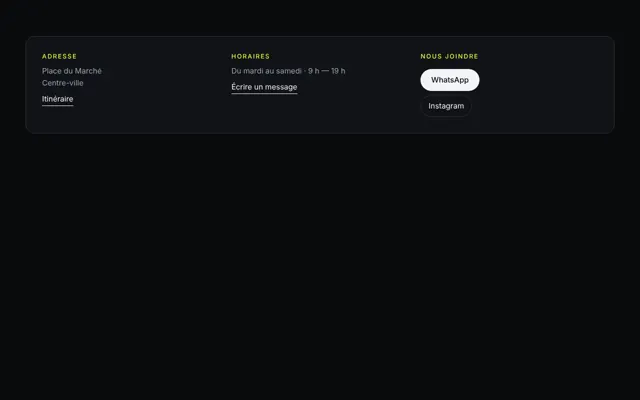
- The contact brings together the address, the hours and the phone as real links: people call or open the map with one finger.
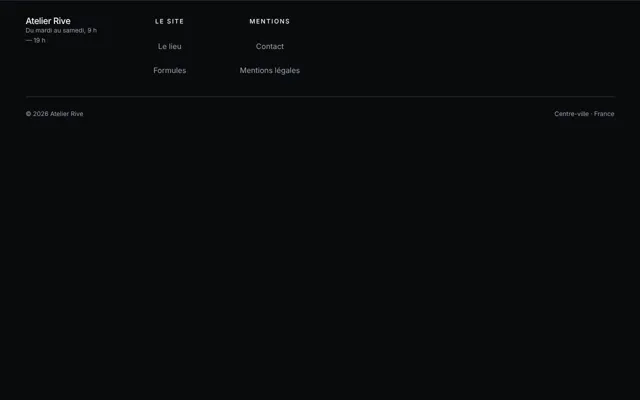
- The footer says who you are and carries the legal notice.
The background chosen for this layout is the scrolling band: a strip of images that glides on its own behind the page, with no video to shoot. It only moves when it is on screen, and stops when the visitor has asked their device for less animation. Grain, a film noise, breaks up the flat areas and gives the images the feel of film stock.
What the rules say
Prices in euros, tax included
In France, a product’s price is displayed in euros and including tax, whatever the form of sale: in store as on the internet. In a shop, it appears on the item or on a sign close by, with no possible doubt about which item it refers to, and it can be read from outside or inside depending on where the item is displayed. Costs known in advance, such as delivery, are announced too. For most prepackaged food products, the price per kilo or per liter accompanies the selling price (DGCCRF, 2026).
On your site, a price shown is the one on the label. If it changes often, give an honest range and keep it up to date.
Discounts: the price of the last 30 days
Since May 28, 2022, every discount announcement states the lowest price charged in the 30 days before it, in store as online. You keep the choice of form: struck-through price, percentage or amount. A discount calculated on a price never actually charged is a misleading commercial practice, punished by two years in prison and a €300,000 fine (DGCCRF, 2026). Committed online, the penalty rises to five years and €750,000 (DGCCRF, 2025).
The rule applies to your page’s banner as much as to the shelf label.
The button leads to your store
The studio builds a page that presents the store and its products. It sells nothing itself and collects no money.
The call-to-action button leads wherever you want: directions to the store, your number to put an item aside, an email address. If you already have an online shop, it can lead there, without changing how it works. In-store pickup follows the same path: if your sales tool already offers it, the button leads there, and the page simply says where and when to pick up the order.
One main destination, the same in the navigation and in the hero. Point it to the right page of your tool, the category or product shown, rather than to its home page. Put the same link on your Google profile: it accepts links for ordering products, and you choose which one comes first (Google).
Opening hours, the same everywhere
Finding the door closed at an hour announced as open means a wasted trip, and a disappointed customer. Change the hours the same day on the page, on the Google profile and on the door. For a public holiday or a short closure, the Google profile has its special hours, which don’t touch the usual hours (Google). Also announce, when the time comes, late openings and open Sundays.
The mistakes that send a customer away
- The supplier’s catalog photos for the whole store: people want to see your shelf, your window, your way of presenting.
- An online price different from the label, or a price before tax.
- A fake discount: a struck-through price that was never charged.
- Different hours from one place to another.
- A button that leads to the home page of your sales tool instead of the product shown.
- An item showcased on the site that left the shelf months ago.