
A studio for motion design, computer-generated imagery or visual effects sells something that moves. The producer, agency or brand that lands on its site wants to see it move right away, and in good quality. They also look for more down-to-earth clues: can this studio deliver on time, in the right formats, for a budget close to mine?
The site is therefore the first demonstration of the studio’s skill. If it takes ten seconds to show an image, it is the studio’s technique that comes under suspicion.
What the client comes looking for
- The showreel, short, with the best shots first.
- Projects of the same kind as theirs: advertising, music video, architecture, product, game, broadcast design.
- What you did on each project: modeling, animation, lighting, compositing, or everything end to end.
- Your production pipeline: the steps, the timelines, the formats delivered.
- The clients and teams you have worked with.
- A contact who replies quickly, and how you put together a quote.
The “3D studio” layout
This is the layout the studio offers motion design, computer-generated imagery and visual effects, where the demo is the product. Here it is from top to bottom:
“3D studio” layoutBackground: Scroll-scrubbed videoTexture: HalationTexture: Halftone
 Minimal
 Hero · Spread out
 Manifesto
 Video
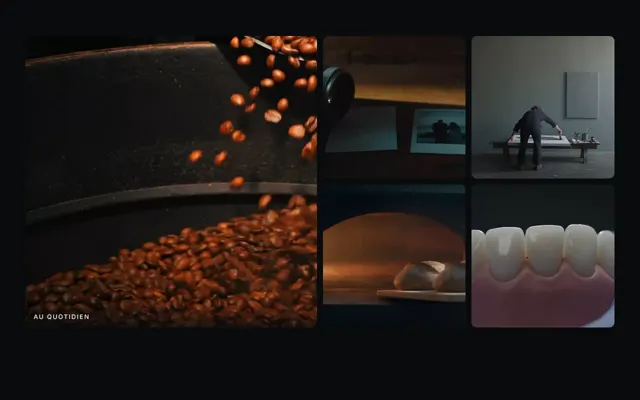 Gallery · Mosaic
 Banner
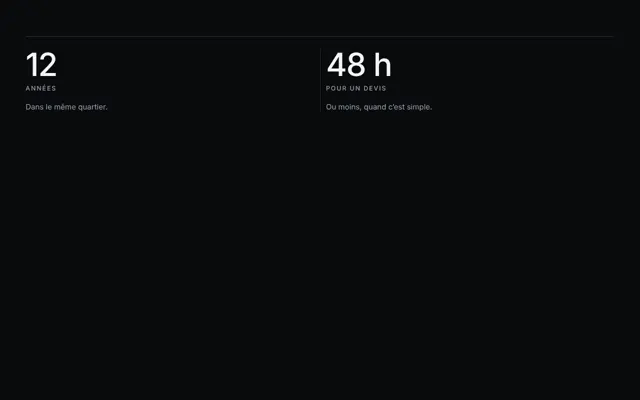 Numbers
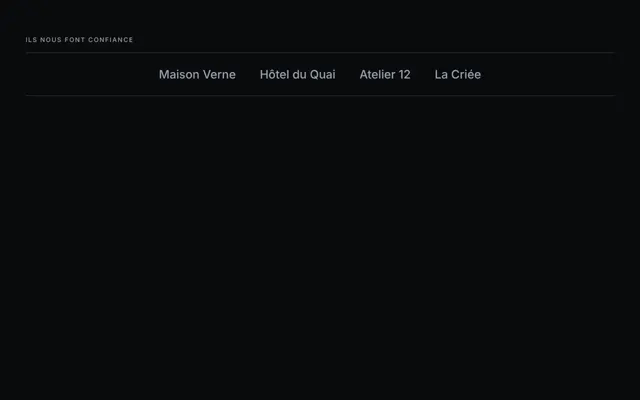 References · Scrolling
 Contact
 Footer · Giant signature
- The minimal navigation comes down to the studio’s name and a menu button: nothing gets in front of the image.
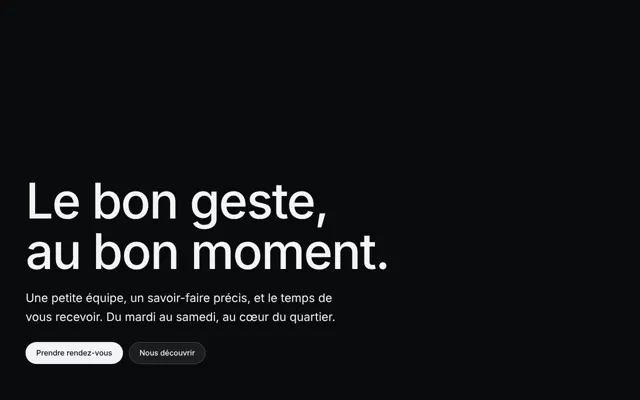
- The bottom-left hero sets the name and a sentence in the bottom corner, the variant made for video backgrounds. Its button leads to the full showreel, wherever it is hosted.
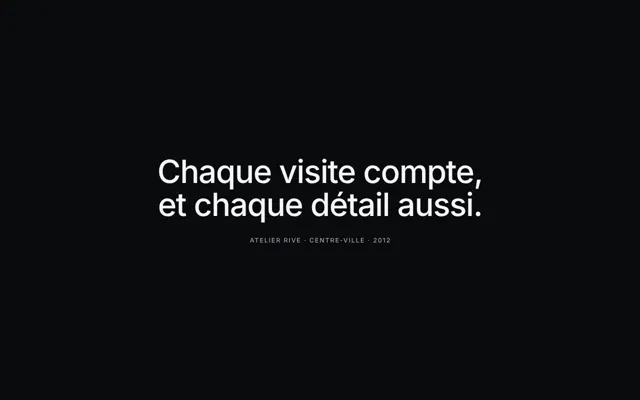
- The manifesto holds a sentence on screen and lights it up word by word as you scroll: what your studio does better than others. There is only one per page.
- The mosaic gallery arranges one large cell and small ones, for five or nine images: at any other count, the last row is left orphaned. Put the strongest shot of each project there.
- The banner scrolls a strip of words: your disciplines, your tools, or your clients’ names if they allow it. Put nothing essential there: scrolling text reads poorly.
- The figures line up a few proofs you can back up: years in business, projects delivered, clients’ countries.
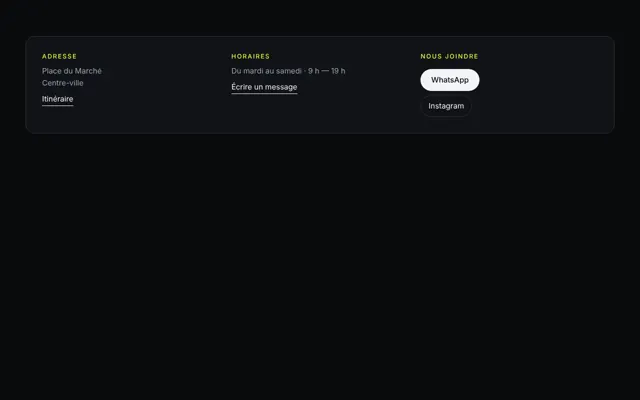
- The contact brings together email and phone as real links.
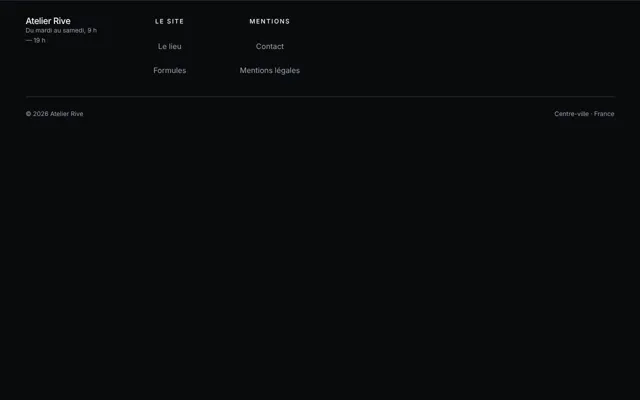
- The giant signature footer ends on the studio’s name, cut off by the bottom of the page.
The background of this layout is the scroll-scrubbed video: the frames of the film move forward and back with scrolling. The word comes from editing, where you scrub a timeline by dragging the playhead, and here the visitor holds it. If the visitor has asked for less animation, the film fades out and its poster stays. This film is a scene created by a video generation model from your description, not an excerpt from your projects: it sets the mood, your images stay in the gallery. Two textures sit on it, the maximum allowed: halation, the glow spilling from light sources as on film stock, and halftone, thin horizontal lines like a monitor, a deliberately retro choice.
A showreel that loads fast
The most beautiful shot is useless if it arrives after the visitor has left. On the web, nine videos out of ten last less than two minutes (HTTP Archive, 2024): yours should too, with the best in the first seconds. Then, four settings:
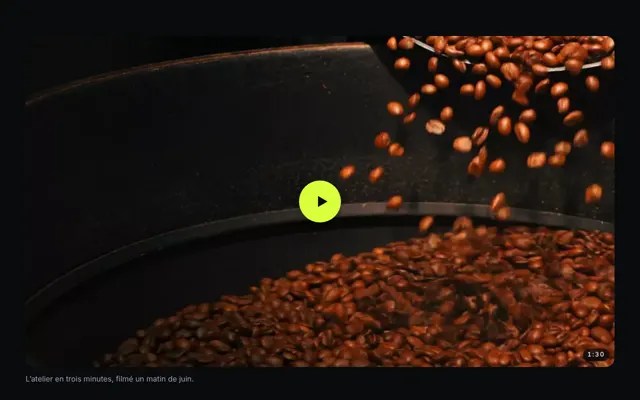
- A chosen poster. The
posterattribute shows an image while the video arrives; without it, nothing shows before the film’s first frame, which then serves as the poster, beautiful or not (MDN). It is still rare: it is found on only 3% of video elements on mobile pages (HTTP Archive, 2024). Choose your strongest shot: it is the one people will see if the video doesn’t start. - Muted if it starts on its own. Chrome always allows autoplay of a muted video; with sound, only in certain cases, for example after the visitor has interacted with the site.
- The full version on click, with its controls: play, pause, volume, seek (
controlsattribute). - No forced download. The
preloadattribute is only a hint to the browser. The specification recommendsmetadataby default, which only fetches the file’s information, such as its duration, and the Web Almanac suggests letting the browser decide.
The safest format is still MP4, which alone carries 68% of videos on mobile pages (HTTP Archive, 2024). For the rest of the page, see animating a site without slowing it down.
A video platform’s player
Hosting the long version on a video platform spares you the storage and adapts the quality to the visitor’s network. But an embedded player costs the page hosting it dearly: web.dev estimates that deferring the loading of a YouTube player saves about 500 KB on first display. It advises a facade: an image with a play button, replaced by the real player on click.
These players come from another site and can set trackers. The CNIL requires consent to be collected before embedded external content activates trackers that need it, in the cookie banner or when the content is activated, and that a refusal doesn’t block access to the rest of the site (2026).
The pages built by the studio don’t embed another platform’s player: the hero button leads to your showreel wherever it is hosted.
The mistakes that cost projects
- A five-minute showreel that saves the best for last.
- A heavy video that starts on its own, with sound.
- A black screen while loading, for lack of a poster.
- Vague credits on a team project: say what you did, and name the production company and the other studios.
- A project under embargo published before its release, without the client’s consent.
- No date: motion design ages fast, show that your work is recent.